Table of Contents
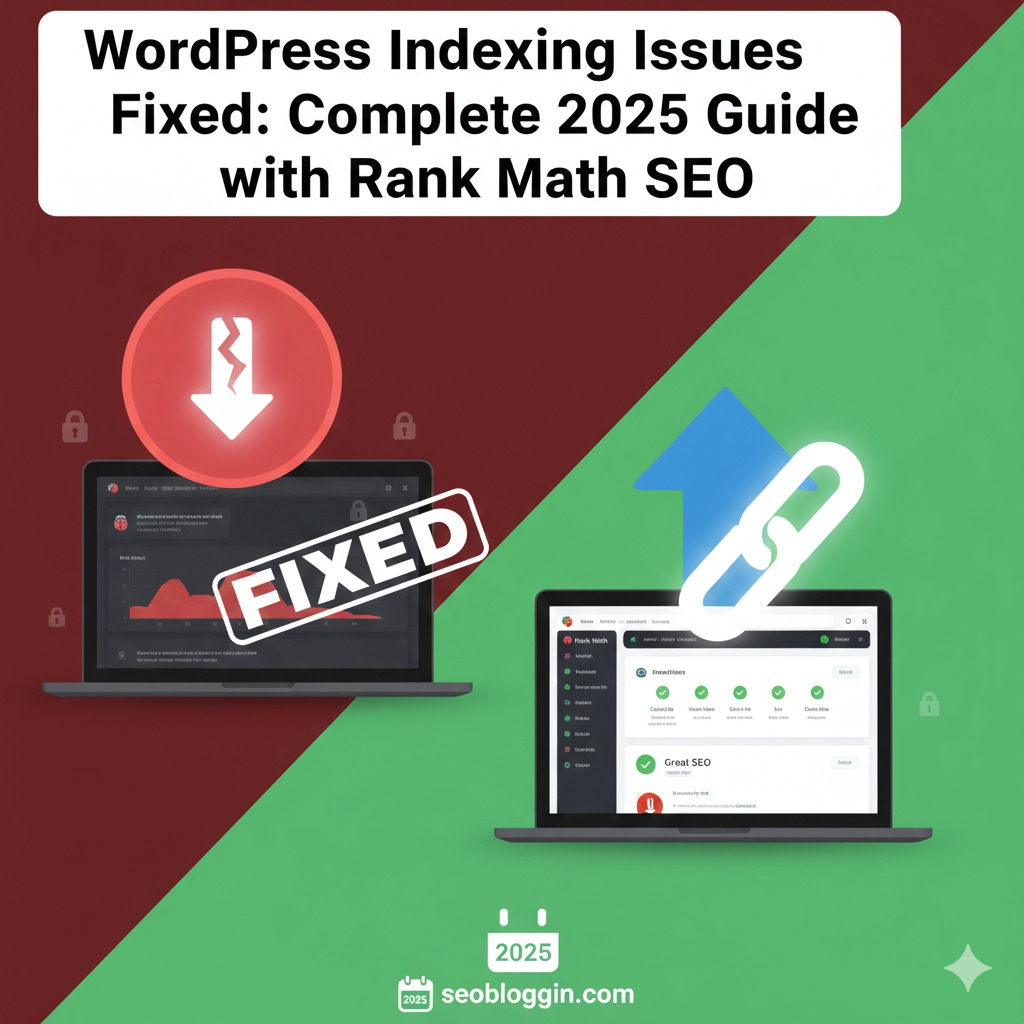
Fixing indexing issues is one of the most essential tasks for every WordPress blogger in 2025. If Google is not indexing your pages, posts, or category URLs, you will not receive impressions, traffic, or rankings — no matter how good your content is. The good news is that solving indexing issues is easier today, especially when you follow a structured process and use tools like Rank Math SEO. This guide will show you WordPress Indexing Issues Fixed, why indexing problems happen, and how you can ensure Google crawls and indexes your site consistently.
Search engines have become much smarter, and Google’s AI systems now evaluate hundreds of signals before indexing your content. That’s why bloggers must understand the common issues that block indexing — such as slow websites, duplicated content, wrong SEO settings, thin pages, and technical errors. Once you fix these issues, Google can easily discover your pages and push them into search results.
In this complete tutorial, you will learn How to Fix Indexing Issues in WordPress using Rank Math and proven technical SEO methods. If you want a smarter way to find SEO topics, my latest guide on Gemini keywords will help you discover low-competition keyword ideas using Google Gemini’s AI-powered suggestions. This resource explains how to extract long-tail keywords, search-intent phrases, and ranking opportunities that most bloggers miss. Perfect for anyone who wants to upgrade their keyword research strategy.
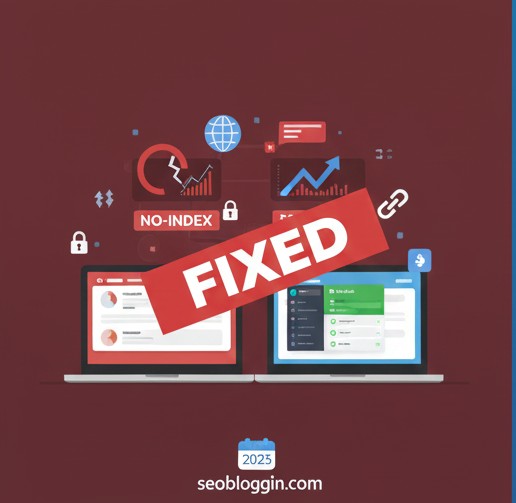
⭐ Why WordPress Indexing Issues Fixed (2025 Update)
Before you attempt any fix, you need to understand what actually causes indexing problems. Google doesn’t index pages when:
✔ Your website blocks crawlers
✔ Your Rank Math or WordPress Indexing Issues Fixed settings prevent indexing
✔ Your sitemap is not submitted or has errors
✔ Google detects thin/duplicate content
✔ Your site speed is slow
✔ Internal linking is missing
✔ There are crawling errors in Search Console
✔ Your hosting is unstable
✔ AI-written content lacks depth or originality
✔ No backlinks or authority signals exist
Google AI now uses AI-driven evaluation. If your content is not helpful, original, or structured well, Google may ignore indexing completely. That’s why this guide helps you apply every important step that matters in 2025.
⭐ Step 1: Check if Your Website Is Blocking Google
This is the most common reason WordPress Indexing Issues Fixed sites fail to index.
Go to:
Settings → Reading → Search Engine Visibility
If “Discourage search engines from indexing this site” is ON → indexing will never happen.
Turn it OFF immediately.
Now re-submit URLs inside Google Search Console.
⭐ Step 2: Check Rank Math Indexing Settings
Rank Math is your strongest tool when learning WordPress Indexing Issues Fixed
Go to:
Rank Math → Titles & Meta → Global Meta
Make sure:
✔ Noindex is OFF
✔ Category, tags, and author pages are set correctly
✔ Thin pages are removed or noindexed
✔ Media pages redirect to attachment URLs
These small details control how Google sees your site.
⭐ Step 3: Submit Your Sitemap Correctly
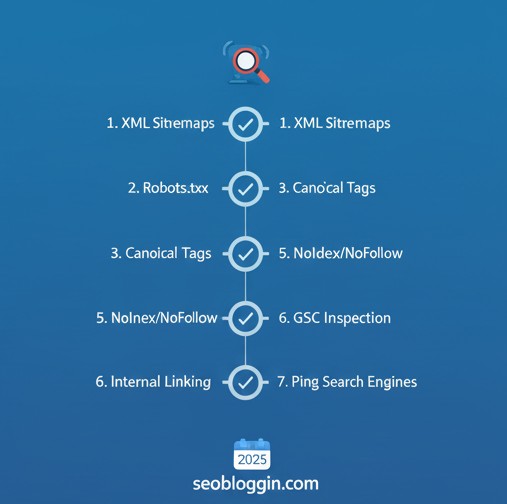
Go to Google Search Console → Sitemaps
Submit:
Rank Math automatically creates an optimized sitemap. If the sitemap shows errors, Google will not crawl new pages.
Once submitted, Google starts reading all your URLs.
To accelerate indexing, select your sitemap and click “Last read” → Request Indexing”.
If you want future-ready SEO skills, make sure to explore my latest breakdown of powerful voice SEO concepts, where I explain how to optimize content for voice search, conversational queries, and AI-driven search systems. These insights will help you position your blog for higher visibility as voice search continues to grow in 2025.
⭐ Step 4: Fix Technical Errors in Google Search Console
Go to:
Search Console → Pages → Not Indexed
You will see reasons like:
❌ Crawled – currently not indexed
❌ Duplicate without a user-selected canonical
❌ Alternate page with proper canonical tag
❌ Discovered – currently not indexed
❌ Blocked by robots.txt
❌ Soft 404
Each issue requires a different fix, but most commonly:
✔ Improve content quality
✔ Increase word count
✔ Add internal links
✔ Add backlinks
✔ Remove duplicate content
✔ Fix robots.txt rules
This directly increases the chance of getting indexed.
⭐ Step 5: Improve Content Quality (Critical in 2025)
Google’s AI prioritizes content that is original, helpful, and human-written.
Your content must have:
✔ Depth
✔ Examples
✔ Clear intent
✔ Long-tail keywords
✔ Solutions
✔ Proper headings
✔ No duplication
Thin content under 300–400 words often remains unindexed.
If you want to learn How to Fix Indexing Issues in WordPress, improving content quality is the biggest step.
⭐ Step 6: Increase Internal Links to Non-Indexed Pages
Internal links help Google reach your content faster.
Add links to your new posts from:
✔ Older posts
✔ Category pages
✔ Pillar content
✔ Related posts
Google follows internal links as a strong crawling signal. More internal links = faster indexing.
For bloggers using Rank Math, don’t forget to check the full breakdown of the Rank Math update November 2025, where I explain what changed, what features matter, and how the new AI-driven SEO signals affect your blog rankings. This guide helps you optimize your posts correctly so you don’t lose traffic during algorithm shifts.
⭐ Step 7: Use “Request Indexing” Properly
Do NOT spam this feature.
Go to:
Search Console → URL Inspection → Request Indexing
Use only when:
✔ You publish a new post
✔ You update a major section
✔ You fix indexing issues
Overusing this does nothing.
⭐ Step 8: Improve Website Speed & Hosting Quality
A slow WordPress Indexing Issues Fixed site often leads to:
❌ Crawled but not indexed
❌ Discovered, but not crawled
Use:
✔ LiteSpeed Cache
✔ Cloudflare CDN
✔ Optimized images
✔ Light themes
Google indexes fast sites first.
⭐ Step 9: Build Authority Signals (New for 2025)
Google’s AI evaluates:
✔ Backlinks
✔ Mentions
✔ Social signals
✔ Brand name queries
Even a few high-quality backlinks can solve indexing issues instantly.
⭐ Step 10: Use Rank Math Instant Indexing (For Bing + Yandex)
Rank Math offers instant indexing for Bing and other search engines.
Even though Google does not allow instant indexing, the signal improves crawling behavior indirectly.
If you’re struggling to pick a profitable niche this year, make sure you don’t miss my detailed guide on the best niche for blogging with low competition 2025. It breaks down easy-to-rank niches, real search trends, and hidden opportunities that beginners can start today for faster traffic. Add this to your reading list if you want to build a niche site that grows quickly without fighting heavy competition.
⭐ Why Fixing Indexing Is Critical in 2025
Google’s algorithm is now AI-based. If crawling and indexing stop, your entire website stops gaining rankings.
Learning How to Fix Indexing Issues in WordPress gives you control over:
✔ Faster ranking
✔ Continuous traffic
✔ Faster content discovery
✔ Better SEO health
Bloggers who ignore indexing problems never grow — even if their content is amazing.
⭐ Conclusion
Fixing indexing issues in WordPress Indexing Issues Fixed is easier when you follow each step carefully. From Rank Math settings and sitemap submission to content improvement and technical SEO — all these actions help Google crawl and index your content faster. The more optimized your site becomes, the faster Google will trust your pages and show them in search results.
If you consistently follow these methods, your WordPress Indexing Issues Fixed site will stay index-ready throughout 2025.
FAQ’s
Q 1: Why do WordPress indexing issues happen?
ANS- WordPress indexing issues usually occur when Google cannot properly crawl or access your site. This may happen due to blocked pages in robots.txt, incorrect noindex tags, sitemap errors, or slow server response. Many new bloggers get confused when they see their WordPress not indexing on Google even after publishing content. To diagnose the issue, your first step should be checking Google Search Console indexing problems, as it clearly shows which URLs are affected and why Google is unable to index them.
Q 2: How to fix indexing errors in WordPress quickly?
ANS- To fix indexing errors in WordPress, start by submitting your sitemap in Google Search Console, then check for noindex tags, crawling restrictions, and missing canonical URLs. Most WordPress indexing issues get resolved by correcting technical settings in Rank Math or Yoast, fixing broken links, and improving page loading speed. If Google flags “Discovered – currently not indexed” or similar warnings, updating the content and requesting indexing again often helps. Following a structured process is the best way to fix WordPress crawling issues efficiently.
Q 3: Why is my WordPress site not indexing on Google even after publishing posts?
ANS- If your WordPress not indexing on Google, it usually means Google has not found enough quality signals or your technical settings are blocking crawling. Check for noindex meta tags, ensure your site is publicly visible, and verify that your permalink structure is clean. Also, slow hosting, thin content, and poor internal linking can trigger Google Search Console indexing problems. Once you address these issues and request manual indexing, your posts typically begin to appear in search results.
Q 4: Can Google Search Console help fix indexing problems?
ANS- Yes — Google Search Console is the most powerful tool to identify and fix WordPress indexing issues. It shows specific errors such as crawling blocks, redirect problems, server errors, and sitemap mismatches. When you want to know how to fix indexing errors in WordPress, Search Console gives you exact diagnostic reports so you don’t have to guess what’s wrong. After fixing errors, you can request re-indexing to speed up the process.
Q 5: How do I fix WordPress crawling issues to improve indexing?
ANS- To fix WordPress crawling issues, you must ensure your robots.txt allows Googlebot to access important pages, verify your sitemap accuracy, use proper internal linking, and remove unnecessary noindex rules. A poorly optimized theme or plugin conflict may also contribute to WordPress indexing issues, so keeping your WordPress updated is crucial. Once Google can crawl your pages smoothly, your indexing success rate increases, lowering the risk of Google Search Console indexing problems in the future.